Wedding Planning Tools: Apps & Organisers
The tools couples use to plan a wedding, from planner binders and apps to budget spreadsheets and RSVP trackers, and how to choose the system that fits you.
A wedding is one large project run by two people who have never run it before, usually alongside two full-time jobs. The couples who stay calm are rarely the most organised by nature. They are the ones who picked a system early and put everything into it. That system is your wedding planning planner, and it can be a paper binder, an app, a spreadsheet, or a mix of all three. This guide walks through the real tools couples use, what each is genuinely good at, and how to choose the one that fits the way your own brain works, because the best organiser is the one you will actually open every week.
The short version
- Pick one home for the plan. A single wedding organiser beats five half-used apps and a drawer of notes.
- Match the tool to your habits. Paper for thinkers, apps for reminders, spreadsheets for money.
- Money wants a spreadsheet. Nothing tracks a budget as clearly as your own columns and formulas.
- Guest list and RSVPs need one shared source. Two versions of the guest list is how counts go wrong.
What a wedding planning tool actually does
Strip away the branding and every wedding tool does the same four jobs: it holds a list of tasks in the right order, it tracks money against a budget, it keeps the guest list and their replies in one place, and it stores the timeline for the day itself. This is ordinary project work. In fact it maps almost exactly onto formal task management, where every task moves through states such as ready, assigned, started and finished, and the tool's only real purpose is to show you what is done and what is next.
Understanding that helps you shop calmly. You are not looking for magic. You are looking for a place to keep four lists that both of you can see, and a tool that nudges you before a deadline rather than after it. Everything else is convenience. Once your budget and timeline are set, the tool that holds them matters far less than the discipline of keeping them current, which is why the right choice is simply the one you find easy to open.
The main types of wedding organiser
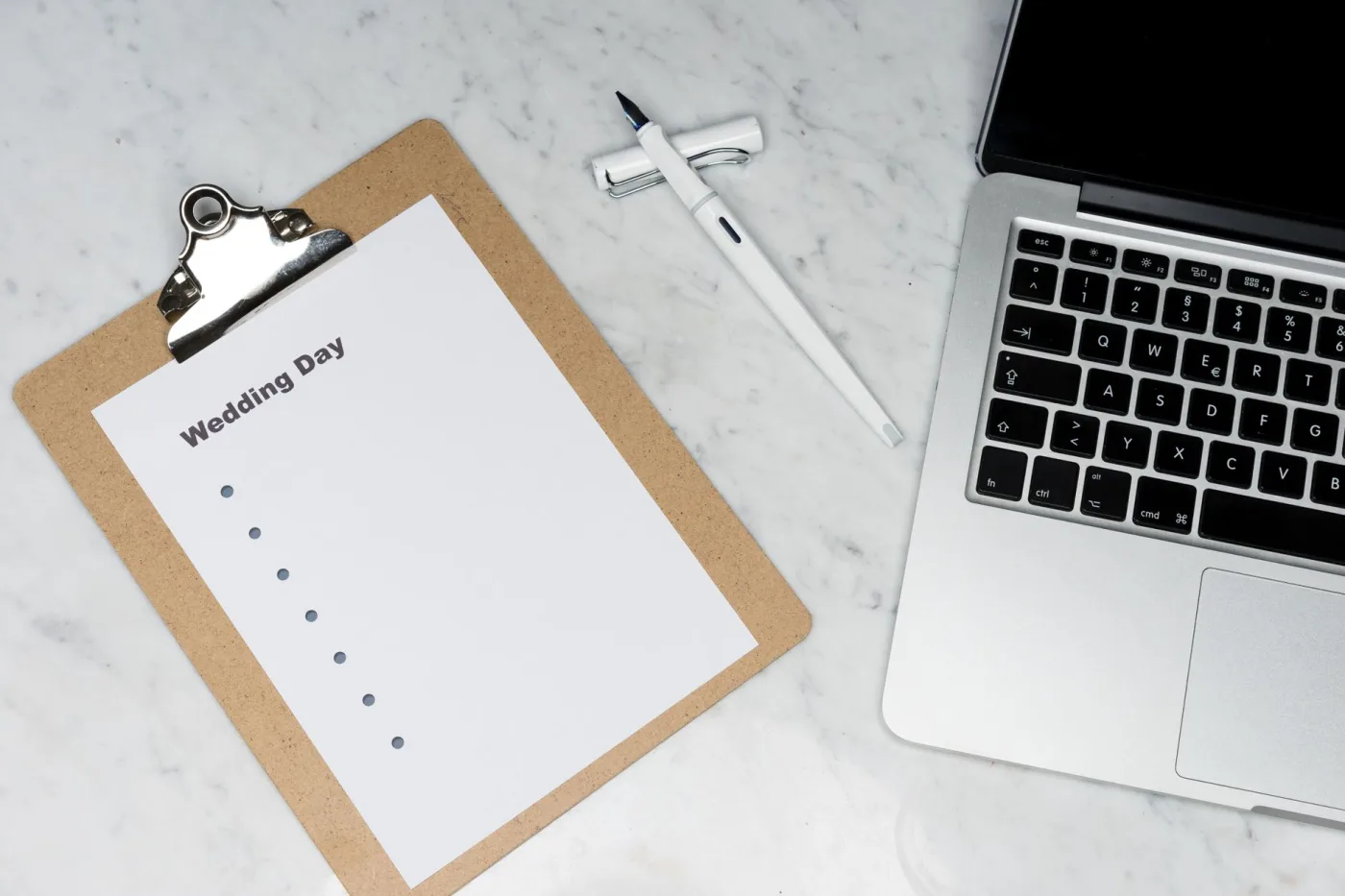

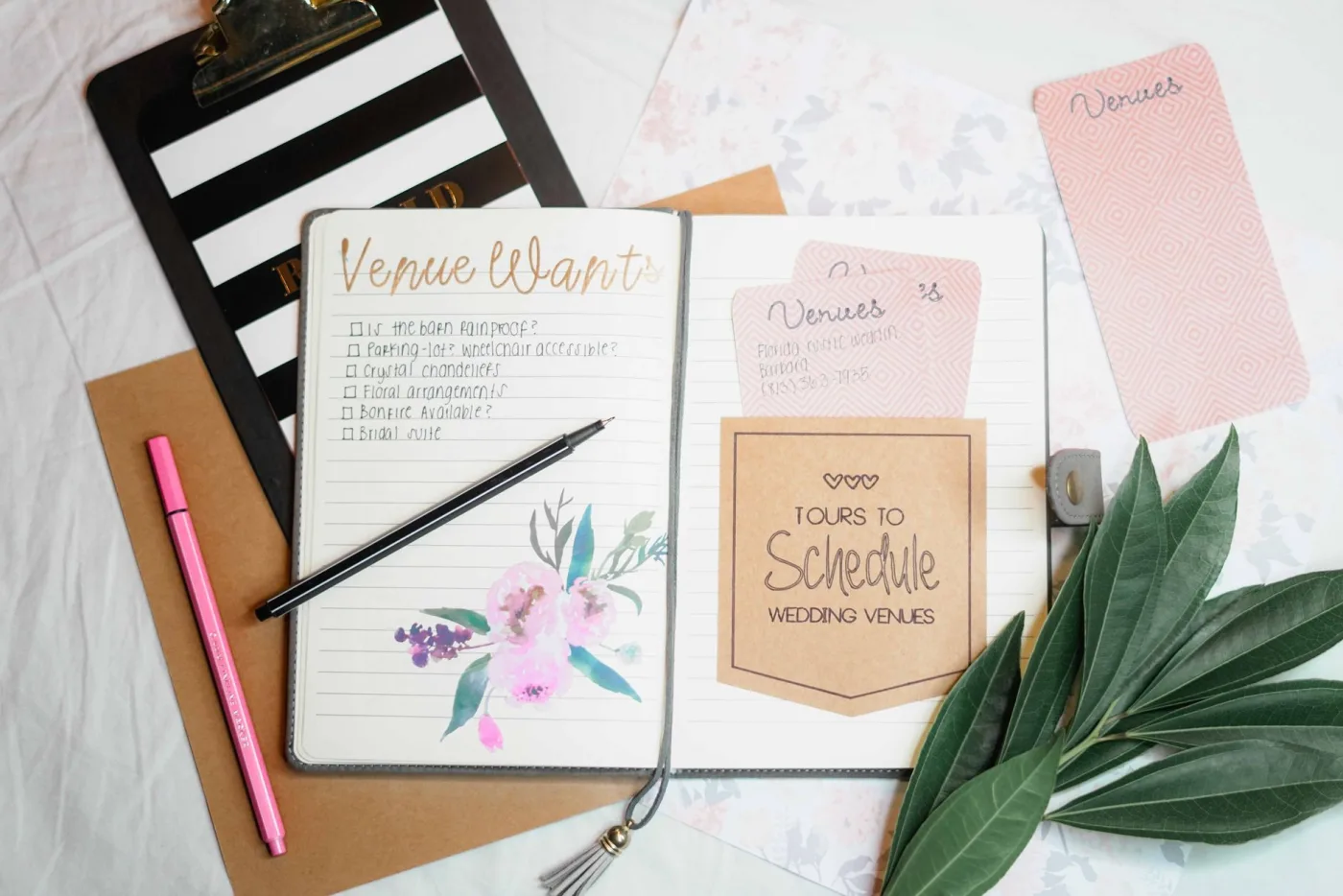
There are four broad families of tool, and most couples end up combining two of them. Here is what each one is, and the kind of person it suits.
Planner binder or book
A physical organiser with tabbed sections and pockets. Tactile, offline, great for thinkers who like to write.
Wedding planning app
A phone or web app with checklists, reminders and vendor tools. Best for on-the-go nudges and RSVPs.
Spreadsheet
Your own columns and formulas in a shared sheet. Unbeatable for the budget and the guest list.
Task or project board
A general tool like a shared to-do app or board, with cards, dates and assignees for each of you.
None of these is the correct answer. A couple who love paper and hate notifications will plan perfectly from a good binder and a spreadsheet. A couple who live in their phones will do better with an app that pings them. The mistake is not choosing the wrong family, it is choosing three of them and keeping each one half-updated.
Comparing the tool types side by side
The table below lays out how the three most common systems really compare on the jobs that matter. Read it for where each one is strong rather than for a winner, because most couples will borrow the best column from each.
| What you need | Planner binder | Wedding app | Spreadsheet |
|---|---|---|---|
| Budget tracking | Manual, easy to fall behind | Basic, preset categories | Excellent, your own formulas |
| Deadline reminders | None, you must check it | Excellent, push notifications | None, unless you build them |
| Guest list and RSVPs | Paper list, slow to update | Strong, digital RSVP links | Strong, sortable and filterable |
| Sharing between partners | One copy, one location | Good, synced accounts | Excellent, live shared document |
| Works without internet | Always | Rarely | Offline copy possible |
| Keepsake value | High, a physical memento | Low | Low |
| Cost | One-off purchase | Free to subscription | Free |
The pattern most couples land on is clear from the table. Put the budget and the guest list in a spreadsheet, run the task reminders through an app, and keep a slim binder or notebook for the things you like to hold: contracts, swatches, and the vendor business cards. That combination covers every column above without asking any single tool to do a job it is bad at.
Four jobs, one home. The organiser is wherever those four lists live and stay current together.
The planner binder: paper that still wins
A physical wedding planner is a bound book or ring binder with tabbed sections for budget, vendors, guests, schedule and inspiration, usually with pockets for contracts and swatches. In an age of apps it sounds old-fashioned, and for some couples it is exactly right. Writing a task by hand makes you think about it. A binder never runs out of battery, never hides behind a login, and sits open on the table as a constant, gentle reminder that there is a wedding to plan.
Its weaknesses are the obvious ones. It cannot remind you of a deadline, it lives in one place so only one of you holds it at a time, and updating a budget by hand gets tiresome fast. Treat it, then, as the home for the things paper is genuinely better at: signed contracts, fabric and colour swatches, printed quotes to compare, and a written master timeline you can carry to the venue. Let a screen handle the arithmetic and the alarms.
Wedding planning apps: reminders and RSVPs
A wedding planning app puts the whole plan on your phone: a prebuilt checklist keyed to your date, budget categories, a guest list with digital RSVP links, and push notifications that tell you when something is due. For the two jobs paper is worst at, deadlines and replies, an app is hard to beat. A guest clicks a link, their reply lands in your count automatically, and the app warns you both a week before the caterer needs final numbers.
The catch is that a generic checklist is generic. Every couple's wedding is a little different, and an app's preset task list rarely matches yours exactly, so you end up editing it anyway. Apps also tend to keep your data inside their own walls, which matters if the service closes or you want to move. Use one for what it is best at, the reminders and the RSVP collection, and do not feel obliged to force your budget into its rigid categories when a spreadsheet does that far better.
The one rule that beats every tool: keep a single source of truth for each of the four jobs. One budget, one guest list, one task list, one timeline, each in exactly one place that both partners can see. The most common planning failure is not a missing feature, it is two slightly different copies of the guest list, so the caterer gets one number and the seating plan is built on another. Decide where each list lives on day one, and never let a second copy start.
Spreadsheets: still the best budget tool
For money, nothing has caught up with a spreadsheet. A shared sheet lets you build your own categories, enter estimated and actual costs side by side, and let a formula show the running total and what is left the instant you type a number. You control it completely, both of you can edit the same live copy from any device, and it costs nothing. The same is true of the guest list: columns for name, side, invited, RSVP, meal choice and table, all sortable and filterable in seconds.
The trade-off is that a spreadsheet does nothing you do not tell it to. It will not remind you of a deadline and it takes a little setup. But that setup pays off for the two most number-heavy parts of the whole wedding. If you are building your budget from scratch, our wedding budget guide walks through the categories to include and the percentages to aim for, which is exactly the structure your spreadsheet columns should mirror.
How to pick the right system for you
Do not start from the tools. Start from how the two of you already work, then pick the system that fits. Ask yourselves three honest questions, and let the answers choose for you.
- Do reminders help or annoy you? If deadlines slip your mind, an app that pings you is worth it. If notifications make you anxious, a binder plus a calendar is calmer.
- Who is the money person? Whoever tracks the budget should pick its home, and for most couples that home is a spreadsheet they control.
- Are you both editing, or just one of you? If you will both update the plan, you need something live and shared, which rules out a single paper binder as the only tool.
A useful starting point for almost anyone is this: a shared spreadsheet for the budget and guest list, one app or shared to-do tool for tasks and reminders, and an optional slim binder for paperwork you like on paper. That covers every job, keeps one source of truth for each, and does not ask any tool to do something it is bad at. Whatever you choose, load it with a real plan rather than a blank template. Our step-by-step wedding planning checklist gives you the full sequence of tasks by timeline, which you can drop straight into your app or sheet as the backbone of the whole system.
When the tool is a person, not an app
There is one more organiser worth naming, because for some couples it replaces most of the others: a professional planner. A wedding planner brings their own tools, vendor relationships and timelines, and effectively becomes the system that holds the plan. The profession grew from the 1990s onward as more couples ran out of time to coordinate everything themselves, and a planner typically works for a percentage of the total wedding cost or a flat fee.
That does not remove the need for your own shared budget and guest list, but it does move the heaviest coordination off your plate. If you are weighing whether that is worth it, our guide on hiring a wedding planner breaks down the levels of service, from full planning to day-of coordination, and how to tell which one earns its place in your budget. For a large or destination wedding, the coordination a planner absorbs is often worth more than any app.
Getting your system running this week
You do not need to test ten apps. Pick your combination, set it up once, and move on to the actual decisions. A working setup takes an afternoon.
- Open a shared spreadsheet with two tabs: a budget and a guest list. Share edit access with your partner immediately.
- Choose one task tool, whether a wedding app or a general shared to-do app, and enter the checklist tasks by timeline.
- Set three anchor reminders first: venue deposit, final guest count, and final payments. Those are the ones that hurt if missed.
- Start a slim binder or folder for signed contracts and printed quotes, if you like paper. One pocket per vendor.
- Agree the rule out loud: the budget lives in the sheet, the tasks live in the app, and no second copies. Say it so you both mean it.
That is the entire system. The tools are simple on purpose, because the hard part of a wedding was never the software. It is the decisions, and a good organiser exists only to make sure none of them fall through the cracks while you make them.
Frequently asked questions
What is the best wedding planning tool: an app, a binder or a spreadsheet?
There is no single best tool, only the best fit for how you work. Most couples get the strongest result by combining them: a shared spreadsheet for the budget and guest list, a wedding app for task reminders and digital RSVPs, and an optional binder for contracts and swatches. The goal is to give each of the four planning jobs one clear home, not to force everything into a single app.
Do I really need a wedding planning app, or is a spreadsheet enough?
A spreadsheet alone is enough for the budget and guest list, which it handles better than any app. Where an app earns its place is deadline reminders and RSVP collection, the two jobs a spreadsheet cannot do on its own. If you tend to remember dates without prompting, a spreadsheet plus a shared calendar may cover everything. If deadlines slip your mind, add an app for the nudges.
How do I keep my partner and me on the same page?
Use live, shared tools and keep a single source of truth for each list. A shared spreadsheet both of you can edit, and one task app with synced accounts, means you always see the same status. The thing to avoid is two copies of any list, especially the guest list, because that is how the caterer ends up with a different number from the seating plan. Decide where each list lives on day one and never start a second copy.
Are free wedding planning tools good enough?
For most couples, yes. A free spreadsheet and a free shared to-do app cover the budget, guest list and task tracking completely. Paid apps and printed planners add convenience, keepsake value and polished RSVP features, but they are not required to plan well. Spend on the parts of the wedding that guests experience before you spend on premium planning software.
When should a couple hire a wedding planner instead of using tools themselves?
Consider a professional planner when the wedding is large, when it is a destination event, or when both partners are short on time to coordinate vendors. A planner becomes the system that holds the plan and brings established vendor relationships. Even then you will still want a shared budget and guest list of your own. Day-of coordination is a lighter, cheaper option for couples who enjoy the planning but do not want to run the event on the day.